

On most messengers, your phone number is your identity. Anyone who has your number can often find your profile, your photo, and when you were last online. And because each account is tied to one number, your work life and personal life end up on the same line.
A virtual second number solves both problems. You can keep your real number private, and run a separate, clean account for work, a side project, or a public channel. Here's how it works.
Why Linking Your Real Number Is a Privacy Problem
Tying a messenger to your real number means:
• People can find you. Anyone who saves your number may see your messenger profile and photo.
• Strangers can reach you. Hand your number to a buyer or a new contact, and they can now message your personal account.
• Work and personal mix. Clients, sellers, and friends all land in the same place.
A separate number keeps a wall between your private self and the wider world.
Good Reasons for a Separate Account
Using a second number to run an extra, honest account is common and useful. For example:
• A work account that stays apart from your personal chats.
• A public-facing line for a small business, a shop, or a channel, without showing your real number.
• A selling contact you can share in marketplace listings.
• A privacy buffer so new contacts never get your main number.
⚠ Keep it honest: use a separate number for your own real account and follow each app's rules. Don't use extra numbers to spam, mislead people, or get around a ban — that can get any number blocked, and it's not what this is for.
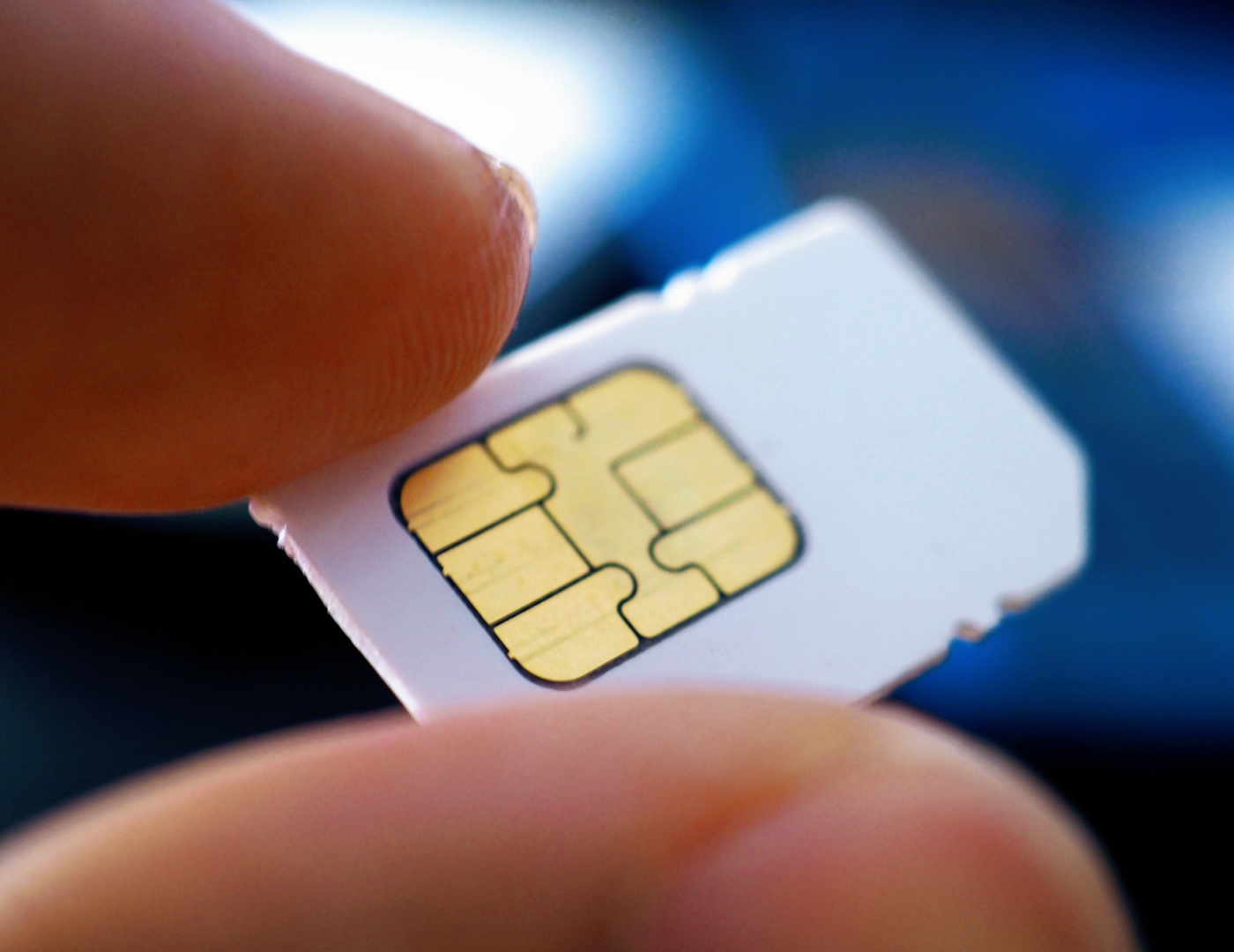
🖼 Image alt text: “Using a virtual number for a private Telegram or WhatsApp account in 2026.”
What a Virtual Number Lets You Do
A virtual number can receive the verification code these apps send when you register. Ringo2number support for receiving codes from WhatsApp, Telegram, Google, and many other services. That means you can set up a messenger account on the second number while your real number stays private.
How to Set Up Telegram or WhatsApp With a Second Number
The basic steps are the same for both apps.
1. Get a virtual number. Install Ringo2number, pick a plan, and choose a number from a country you want (US, Canada, and more).
2. Open the messenger and start a new sign-up, or add a new account if the app supports more than one.
3. Enter your virtual number when the app asks for a phone number.
4. Receive the code in your Ringo app and type it into the messenger to confirm.
5. Set up your profile and privacy options. Now your account runs on the second number, not your real one.
Tip: Keep your virtual number active (renew it) so you don't lose access to the account that depends on it. A messenger account is only as stable as the number behind it.
Why Ringo2number Works Well Here
• Receives verification codes for WhatsApp, Telegram, Google, and more.
• Numbers from the US, Canada, and other countries.
• No KYC and Bitcoin payment for extra privacy.
• Multiple numbers in one app — one for your personal account, one for work.
• Low cost: plans from $9.99/month.
Real number vs virtual number for messengers:
|
For messengers |
Real number |
Virtual number (Ringo) |
|
Who can find you |
Anyone with your number |
Only the account you choose to show |
|
Work / personal split |
All on one line |
Separate accounts, separate numbers |
|
Privacy from strangers |
Low |
High |
🔒 Get a private number for messengers →
Frequently Asked Questions
Can a virtual number receive WhatsApp and Telegram codes?
Ringo receiving verification codes for WhatsApp, Telegram, Google, and other services, so you can register an account on the second number.
Will I lose the account if the number expires?
You could, since the account is tied to that number. Keep the virtual number active by renewing it.
Can I keep my personal account and a work account separate?
Yes. Use your real number for one and a virtual number for the other, so the two never mix.
Is this allowed?
Running your own honest, separate account is fine. Just follow each app's rules and don't use extra numbers for spam or to dodge a ban.
How much does it cost?
Ringo numbers from $9.99/month, with a single-number plan at $9.99/month that includes calling and texting credits.
Final Word
Your messenger account doesn't have to be tied to your real phone number. With a virtual number you can keep your main line private and run a clean, separate account for work or a public profile — all on the phone you already own.
Set up a private messenger line with Ringo2number.
📲 Get a private number for Telegram & WhatsApp →